



Getting Started
Getting started with DiamondOps
DiamondOps turns the Diamond Dynasty market into something you can actually read. This guide is the five-minute orientation: what the platform does, what you can use without an account, and the shortest route to your first profitable decision.
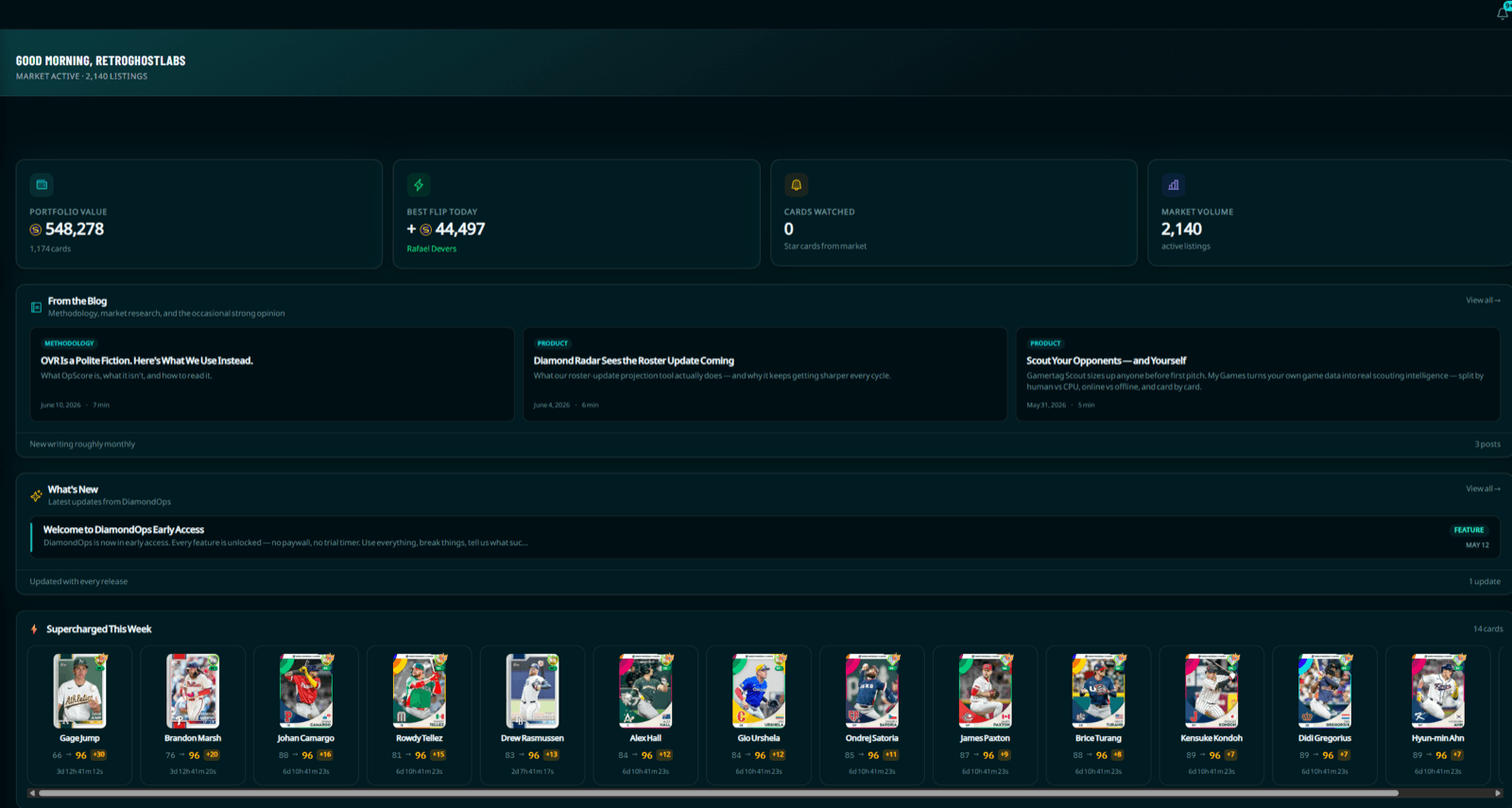
What DiamondOps is
DiamondOps is a market-intelligence and portfolio-tracking platform for MLB The Show Diamond Dynasty. The in-game market gives you a buy-now price, a sell-now price, and almost nothing else. DiamondOps adds the layer the game leaves out: which card is the best buy at a position, which flips clear a real profit after the market’s cut, when a price move is genuine demand versus a bot pumping the floor, and what your whole collection is worth right now.
Everything is built around hourly price data and a difficulty-aware rating system, so the numbers reflect how a card actually plays and trades — not one number for every difficulty.
What you can use for free
A lot. Browsing the live market, searching and filtering cards, OpScore rankings, and the core flip finder — including the profit and ROI math — are all free for any signed-in user. Guests can browse too; you just sign in (free) to unlock your own portfolio and the full flip table.
Diamond Radar — the roster-update upgrade predictions — is free on Common and Bronze cards with every prediction column unlocked, not a teaser — and, once you’re signed in, the live Buy Now price alongside them. (Cards predicted to break out into Silver or above are Pro.)
Paid tiers add the things that compound an edge: Diamond Radar on every rarity (Silver through Red Diamond, where the money actually moves), push price alerts, best-time-to-buy and best-time-to-sell windows, faster market refresh, deeper portfolio analytics, and an ad-free experience. The full split lives on the pricing page.
The tools, in one place
Here’s the map of what each section does, so you know where to look:
- Market & search — every card with live buy/sell prices, sortable and filterable. The starting point for any decision.
- Flips — buy-low / sell-high opportunities ranked by profit after the 10% market tax, with an ROI column so cheap and expensive flips compare fairly.
- Trending & anomalies — what’s rising and falling, plus alerts when a price breaks out of its normal range (with a bot-risk signal attached).
- Rankings & Diamond Radar — the best card per position for your difficulty, and model-driven predictions of where prices are heading.
- Portfolio — sync your inventory and watch your collection valued in real time, with a sellable-value breakdown.
- Scout & quirk-stack — look up any opponent’s tendencies and study which quirk combinations stack at each position.
Your first five minutes
- Open the flips page and sort by ROI. The top rows are the best returns on your stubs right now, after tax.
- Cross-check a candidate against trending — you want to buy into stable or rising demand, not a card that’s quietly sinking.
- Use rankings to confirm the card is actually good at your difficulty before you commit — sometimes a cheaper card outperforms the headline name.
- Sign in (free) and sync your collection so your portfolio tracks the result.
Syncing your collection
To value your binder and find your own buried gems, DiamondOps needs to read your inventory. You sync it with the DiamondOps Chrome extension (or the iOS app) — a one-tap capture that sends your card list to your account. Nothing is shared publicly; it just powers your private portfolio and holdings views. The portfolio guide walks through the whole setup.